Cookies
With your OK, Google Analytics counts visits to this site. It sets cookies and sends Google how you use the pages. Without it, nothing is counted. Privacy Policy
Film simulation recipes
Fuji-X Recipes keeps your film simulation recipes in one place and writes them straight into your camera's custom slots, over a USB cable or Bluetooth.
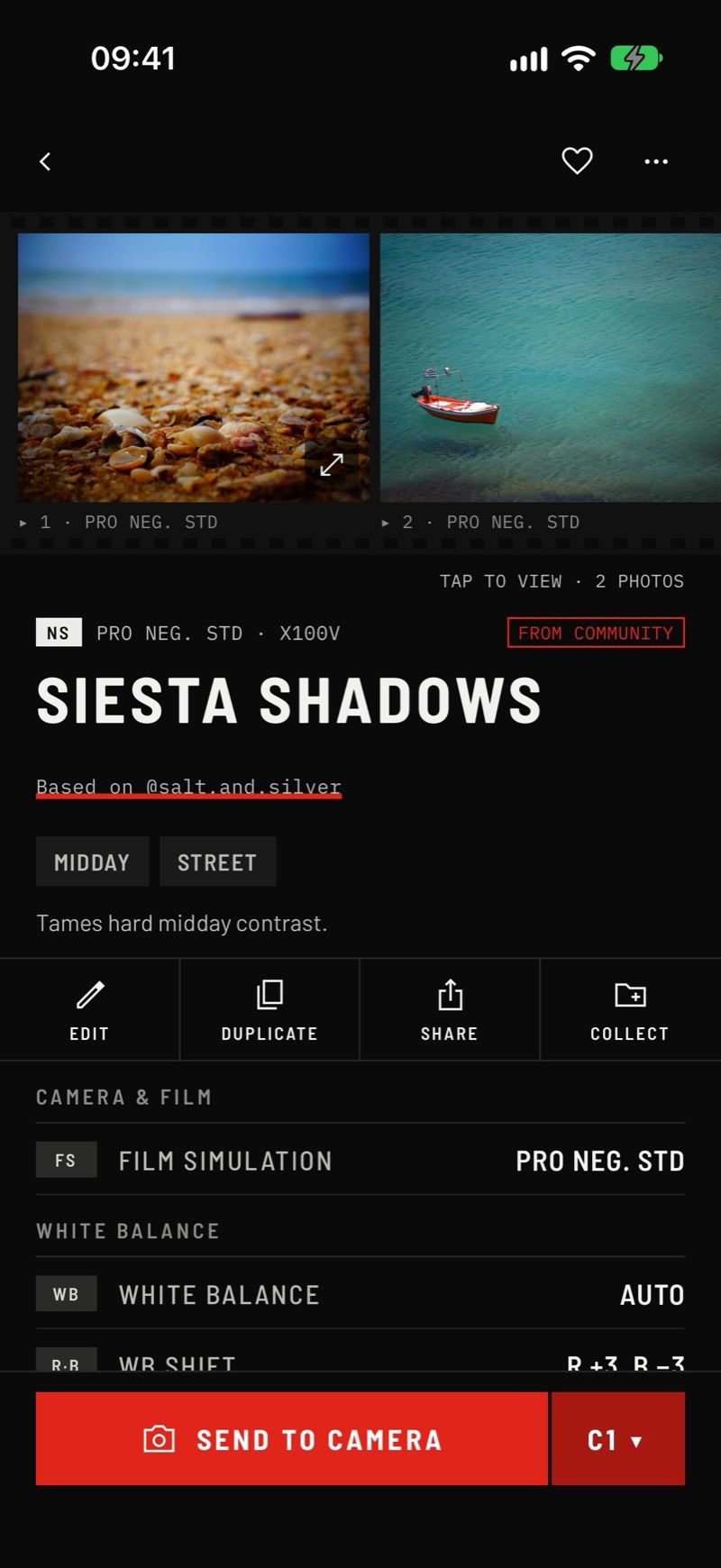
Create recipes with every setting your camera supports, nothing it doesn't.
Browse what photographers share. Save any recipe to your Library in one tap.
Connect with a USB cable or Bluetooth and write recipes straight into C1–C7.
Turn a screenshot of a recipe, or a photo's EXIF, into a recipe you can edit.
Group recipes into collections and send a whole collection at once.
Read the recipes already in your custom slots into your Library.
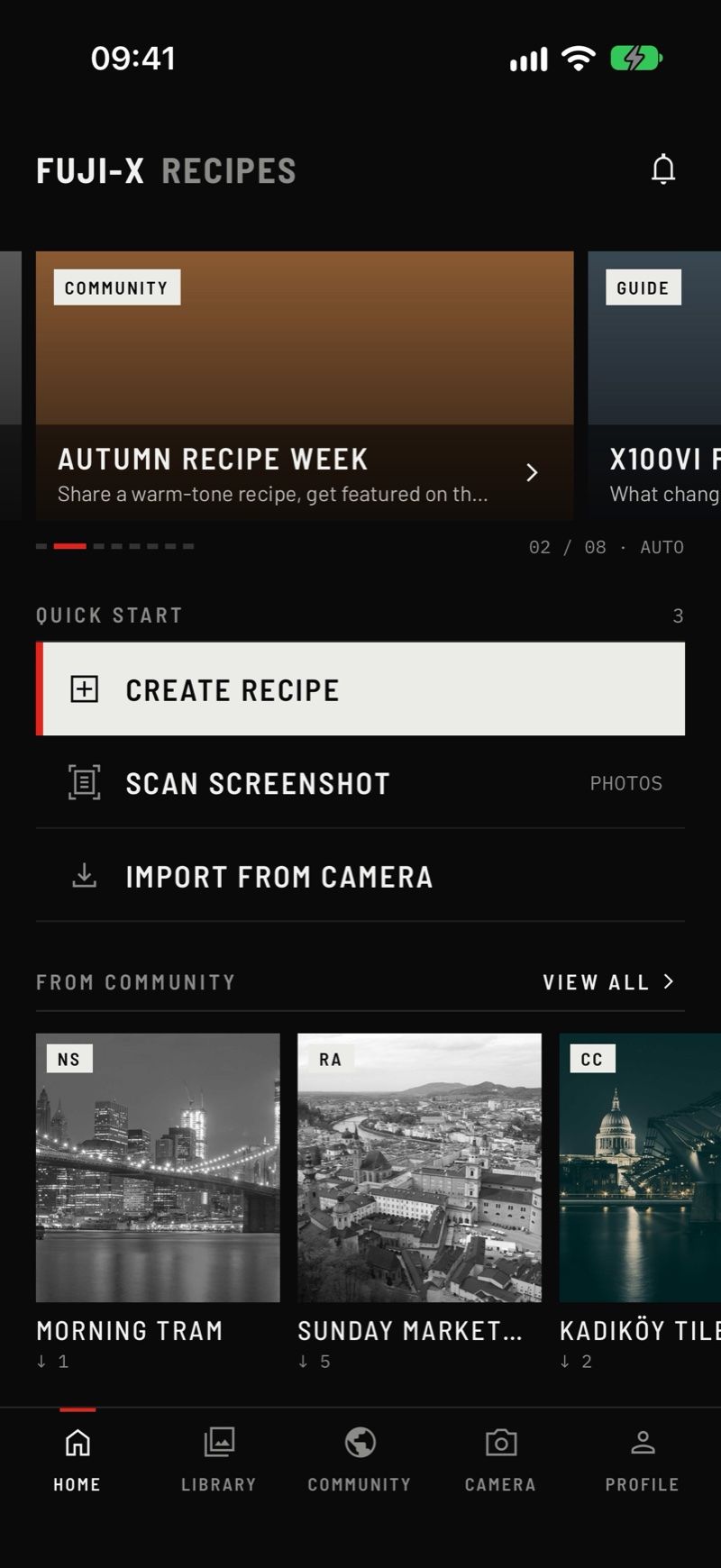
Home
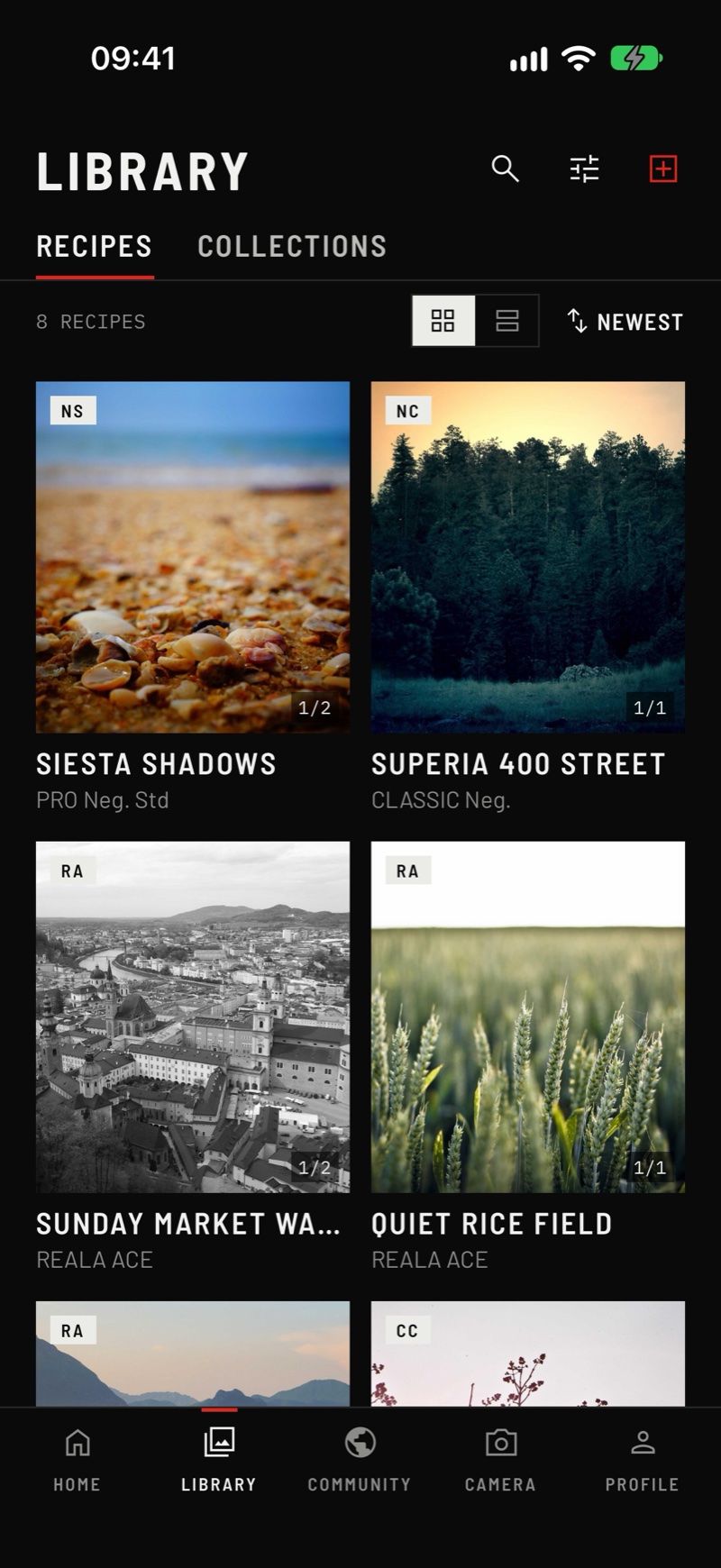
Library
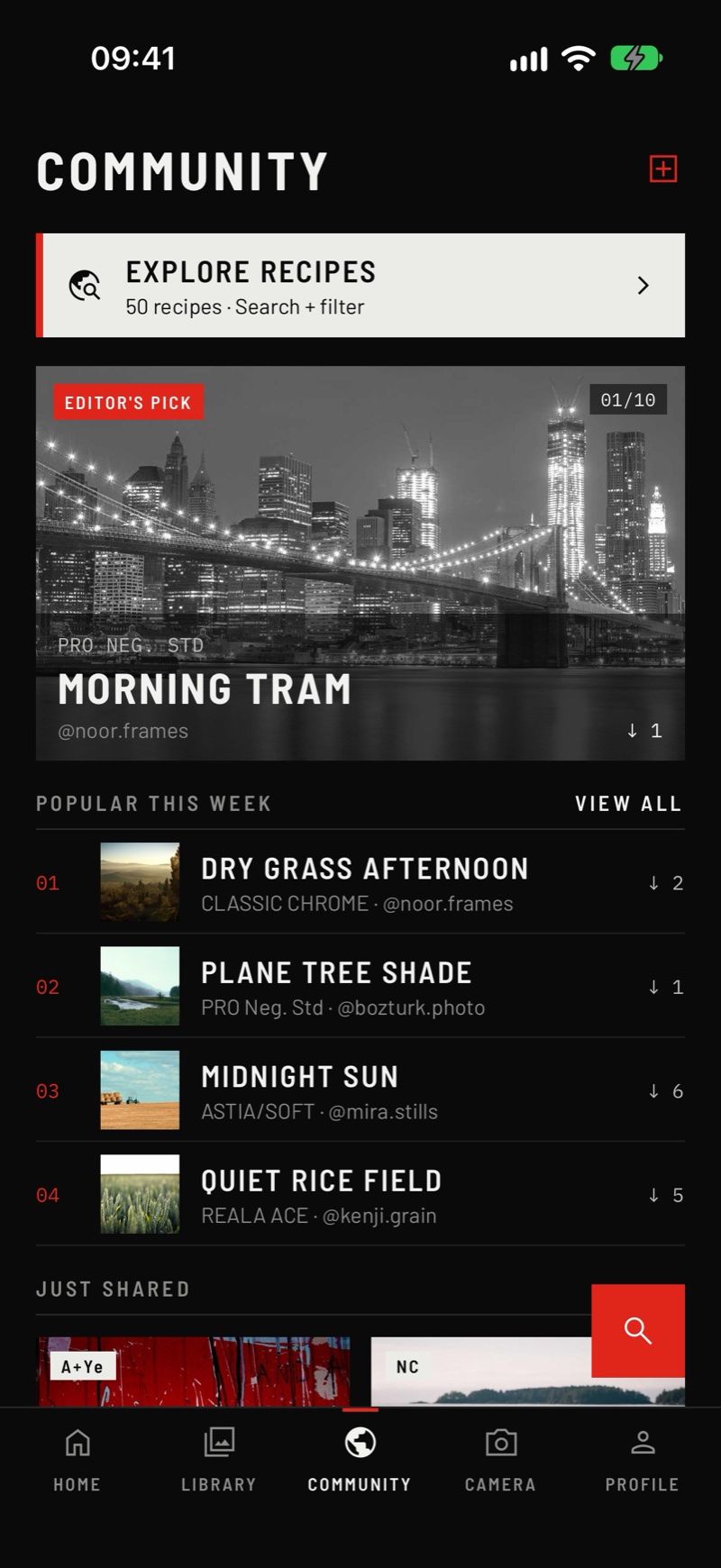
Community
Build your own, scan one, or save one from the Community.
Plug in a USB cable or pair over Bluetooth.
Choose a custom slot. The app backs up your slots first.
Free writes to C1 and C2 and scans 3 recipes a month. Pro adds every custom slot, every collection and unlimited scans, yearly or once for life.
Fuji-X Recipes is coming to the App Store and Google Play.
Write to us. We read every message.
support@fujixrecipes.app